Articles
Practical, plain-English answers to specific online-safety questions — updated as things change, not dated like a diary. Every article is free, with no account needed.
Accounts & passwords

Password Managers, Explained Simply
You only have to remember one password ever again. Here’s how a password manager works, and which free ones are already built into your phone or browser.
Read this article →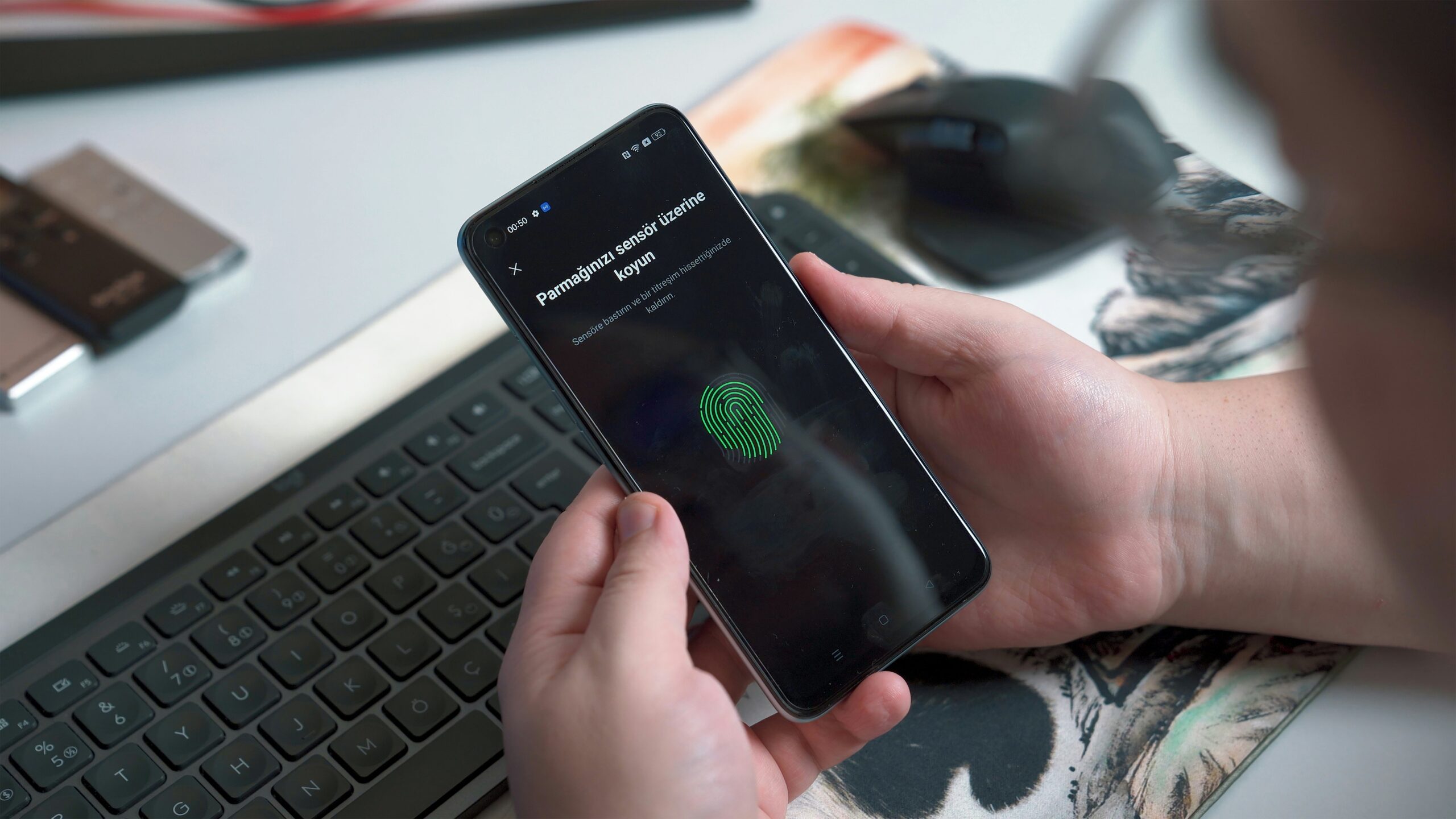
Using Two-Factor Authentication the Right Way
One setting, turned on correctly, stops almost every account takeover. Here’s how to set up 2FA well, not just turn it on.
Read this article →Spotting fakes & misinformation

Spotting AI-Generated Voices, Photos & Video
A cloned voice can now sound exactly like someone you love. Here’s how to protect yourself anyway, even as the fakes get better.
Read this article →
Beat Social Media Overload and Spot Misinformation Like a Pro
How to cut through social media overload and spot misinformation before you share it.
Read this article →Staying safe & kind online

Cyberbullying at Any Age: How to Recognize It and Protect Yourself
Cyberbullying isn’t just a kids’ problem. Here’s how to recognize it at any age, and what actually helps.
Read this article →Money, health, and accounts
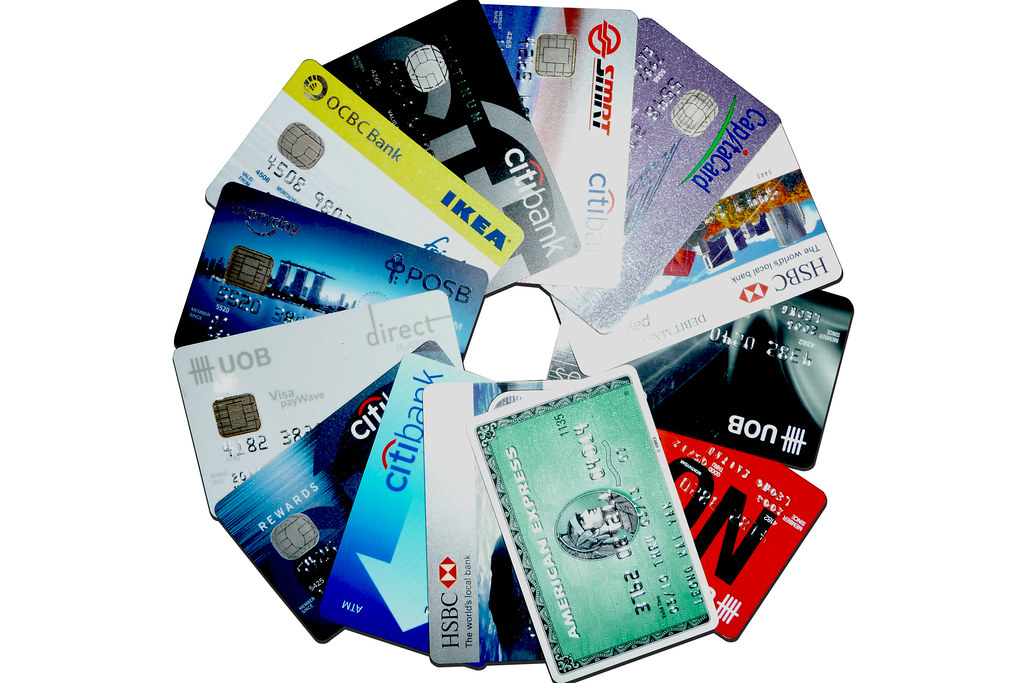
Bank Alerts, Statements, and Disputes: How to Spot Trouble Early
A few small banking habits can help you notice a problem before it becomes a bigger one.
Read this article →
Patient Portals Explained: Messaging, Records and Prescriptions Online
Messaging, prescriptions, test results, and records in one plain-English patient-portal guide.
Read this article →
Telehealth and Patient Portals, Explained Simply
A simple first look at telehealth visits and patient portals.
Read this article →Phones, family, and staying connected

Setting Up Find My Phone and Backups So You Are Never Locked Out
Set up find-my-phone tools and backups before you need them.
Read this article →
Sharing Photos and Location Safely with Family
Share photos and location with family without accidentally sharing too much.
Read this article →
Talking to Kids and Grandkids About Online Safety and Bullying
Talk with kids and grandkids about online safety, bullying, and what to do when something feels wrong.
Read this article →
Understanding App Permissions: What to Allow, What to Block
Know which app permissions are usually safe and which ones deserve a pause.
Read this article →
Video Calls Without the Confusion
Make Zoom, FaceTime, and WhatsApp calls feel less confusing.
Read this article →AI and online work

Using AI Chatbots for Everyday Tasks, Safely
Use chatbots for drafts, planning, and practice without treating them like trusted experts.
Read this article →
How to Spot a Fake Job Posting Before You Apply
Check a job post before you apply, especially if the offer moves fast or asks for money.
Read this article →Working for yourself

Self-Employment Record-Keeping Made Simple
You don’t need fancy software. You need one habit, done consistently, from your very first job.
Read this article →After something goes wrong

Locking Down After a Breach
“This company was hacked” doesn’t have to mean “my accounts are next.” Here’s the calm, clear sequence that closes the door.
Read this article →